I’ve been reaching for the same EQ for eight years. That is either loyalty or laziness, and I suspect Pro-Q 4 is where I finally have to figure out which. FabFilter has spent more than a decade turning a channel strip workhorse into something producers treat like a default, and every version pulls in a crowd of people who upgrade out of habit before they read the changelog. So the honest question is not whether Pro-Q 4 is good. It is whether you should care.
I went in ready to be annoyed by a marginal release. Instead the head-scratcher is smaller than I expected, and the real argument for upgrading is narrower than the marketing suggests. Here is the pragmatic read for anyone who actually engineers audio rather than watches demo videos.
What Pro-Q 4 actually changes
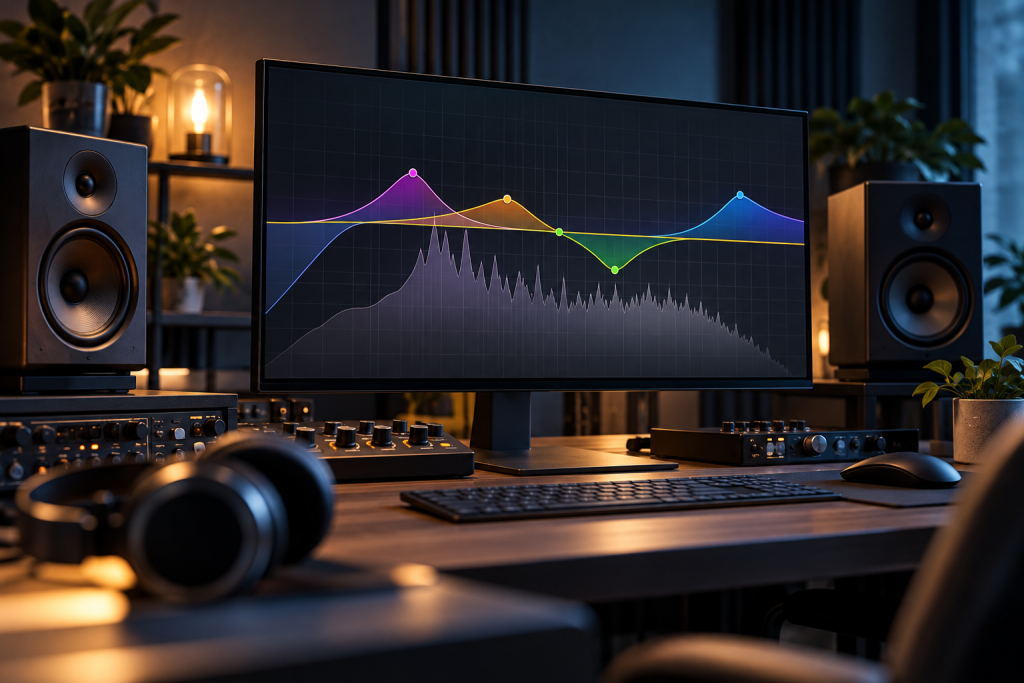
FabFilter’s core design has not moved. You still get a precise parametric EQ with a clean interface, dynamic bands, a spectrum grabber, and uncluttered UI that has aged better than almost any plugin of its era. If you have used Pro-Q 3, the muscle memory transfers on day one. No relearning curve. That alone is worth noting, because plenty of “updates” break the workflow that made the tool popular.
The meaningful additions land in how you manage bands and instances, not in raw filtering quality. Pro-Q was already transparent enough that “sounds better” claims are hard to defend in a blind test. The improvements are practical: quicker ways to work with a lot of bands, and easier consistency across a session. That is what you are paying for when you buy a “new version” of a modern plugin. The sound was solved. The ergonomics keep improving.
I ran it on a modest laptop, not a maxed-out workstation, and it behaved like the rest of the Pro-Q line: light on CPU for a dozen instances, stable under stacked automation. That is not a headline, but it matters if you mix on a machine that is two or three years old.
The grabber and dynamic EQ are still the reason to own it
Most EQ plugins give you knobs. Pro-Q’s spectrum grabber gives you a guess-and-check workflow that actually matches how a human hears a problem. You see a resonant peak, you drag it down, done. It is not a substitute for training your ears, but it makes the boring corrections fast.
Dynamic bands are the other half. You can set a band to react to level instead of sitting static, which is how a lot of de-essing, taming of harsh guitars, and gentle level control actually work in a modern mix. That has been the killer feature for years, and it is still the main reason a mixing engineer reaches for Pro-Q instead of a stock channel EQ.
None of this is new in version 4. That is the point. If you are on Pro-Q 3, the dynamic engine you already have is not dramatically weaker. The version bump amplifies what was there rather than replacing it.
Where the upgrade argument gets thin
Here is my honest problem with treating Pro-Q 4 as a “must upgrade.” The things most people will notice in the first week are workflow tweaks, and workflow tweaks only pay off if you live in the plugin daily. For someone who cuts a few EQ moves on a podcast or a hobby track, Pro-Q 3 already does everything you ask. The new conveniences may never save you a minute.
The second issue is price and licensing. FabFilter is a premium house: Pro-Q costs real money, more than most people spend on plugins in a year, and the upgrade pricing from an older version is a separate cash-out. I am not going to quote a figure I cannot verify, so pull the current price from FabFilter’s store before you commit. The stance is what matters. Pro-Q is one of the few plugins where the price is defensible for working engineers and hard to justify for casual users, and that gap has not closed.
There is also the plain truth that a lot of mixes are made with EQ tools that cost nothing or a fraction. The stock EQ in your DAW is transparent enough for most corrections. Pro-Q wins on speed and interface, not on magic. If you do not feel the bottleneck, you are paying for quality of life you may not need yet.
The stack of utilities you should install alongside it
If you are a Windows user who also does audio or system maintenance between sessions, your plugin budget is only part of your toolkit. The familiar freeware stack for that audience is well established. A good Windows privacy and bloat cleanup tool, a clipboard or text editor for keeping notes during a session, and a diagnostics tool to see what is eating CPU are the usual suspects (the UltrabookReview roundup of must-have Windows utilities threads a list like that; the specific apps it covers include Macrium Reflect, Notepad++, IrfanView, and HWiNFO). None of these replace Pro-Q, but they keep the machine under the DAW from becoming the problem.
On security, the everyday advice applies: if you download anything to “improve” your system, go straight to the vendor, and run a real-time antivirus so a fake installer does not land next to your plugins folder. Our antivirus coverage like Avira Free Security and the paid alternatives is the place to start, and none of it is relevant to the sound of Pro-Q 4, only to keeping your audio machine clean.
So, worth it or habit?
If you are on Pro-Q 3 and you mix for a living, the workflow gains are real enough to justify the upgrade price. The time saved on managing a lot of bands and instances is the kind of thing that pays back over a year of sessions. That is the case where Pro-Q 4 earns its place.
If you are on Pro-Q 3 and you mix casually? Skip this one. Nothing in the core filtering has changed, and your current version is not suddenly broken.
If you are still on a stock EQ and wondering whether to buy Pro-Q at all, that is a different question. You are not upgrading. You are buying into a workflow, and Pro-Q 4 is still a strong gateway for that. I would start with the stock EQ, learn what you are missing, then decide. The plugin is excellent. Whether it is the one you need now is a decision the changelog will not make for you.
The EQ tool that beats Pro-Q still has not shipped. FabFilter’s habit of polishing instead of reinventing is exactly why the plugin is the default for so many engineers. But a habit is not a reason to spend. For most people reading this, the smarter move is to stay on the version that already works and let the upgrade prove itself in an actual session.