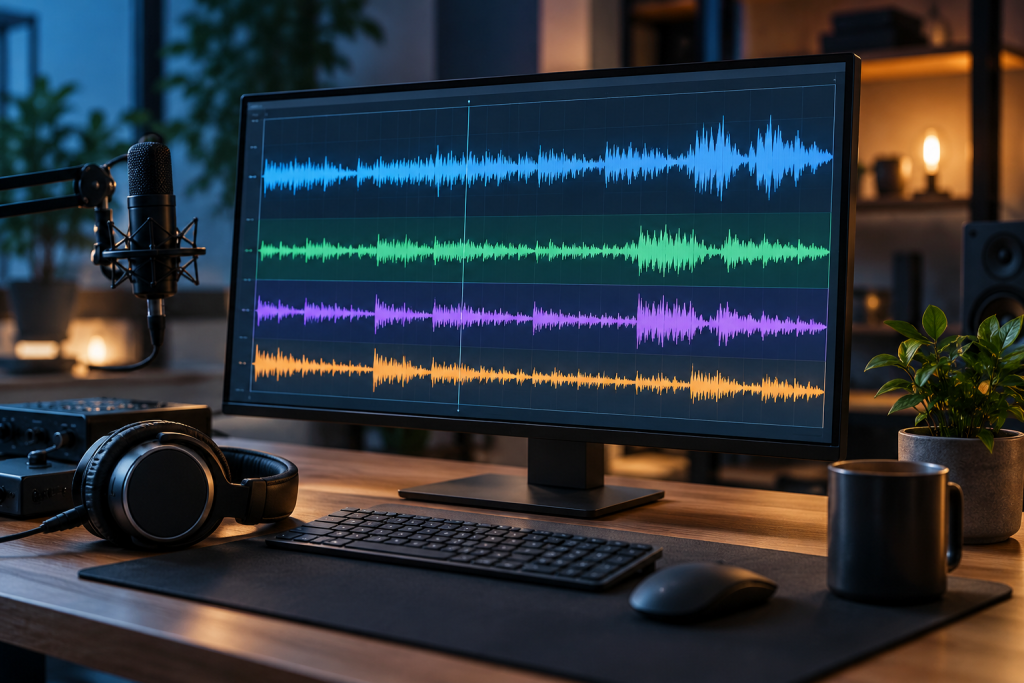
Most “best free audio editor” lists skip the part that actually matters: what else the installer drops on your machine. I’ve spent enough evenings killing browser toolbars and “PC optimizer” stubs that arrived as a bonus with a perfectly legitimate audio tool. So this list is about two things at once. Does it edit audio well, and does it install clean?
Here’s the short version. Almost everything you actually need for editing audio on Windows is free and open source. The paid stuff earns its money in very specific pro workflows. The danger zone is the middle layer: “free” download-portal builds that bundle junk. If you learn to read that layer, you’re most of the way home.
First, why the “free” download is usually the problem
Free software on Windows comes in a few flavours, and they’re not equally safe. Wizcase puts it plainly: more often than not there’s a hidden price, and it’s usually one of three things, bloatware installed alongside what you wanted, data collection you didn’t consent to, or a deliberately crippled product that pushes you toward a premium tier (wizcase.com). Their angle is that the software itself is rarely the villain. The distribution is.
That’s the trap with audio editors specifically. The app on the developer’s own site is fine. The repackaged version on a third-party download page, wrapped in a “custom installer,” is the one that adds two checkboxes you’ll click through without reading. So the rule for this whole category: download from the project’s own domain, always. If a mirror site offers you a “download manager,” close the tab.
Audacity: still the default answer, and still free
Audacity is the one I keep coming back to because it does the boring jobs without friction. Record, cut, edit, remove noise, boost volume, and run effects. It’s open source and there’s no paid tier hiding behind the free one. Clockify lists it as the direct swap for Adobe Audition and Sound Forge, and that’s fair for anything short of broadcast mastering (clockify.me).
One gotcha worth flagging, because people hit it and blame the app: by default Audacity won’t export MP3 without the LAME encoding library, which you grab separately from the Audacity site as a plug-in DLL (ultrabookreview.com). Install that once and you’re set. It’s a small step that trips up a lot of first-time users who assume export is broken.
What Audacity is bad at: it’s a single-track-first editor with a slightly dated interface, and it isn’t built for complex multitrack mixing sessions. If you’re producing a layered podcast with dozens of clips and automation, you’ll feel the ceiling. For cleaning up a recording, converting formats, or splitting a track? It’s more than enough, and it costs nothing.
Get the LAME DLL, then forget about it
That’s the entire setup ritual. Audacity, plus the MP3 encoder from the official plugins page. No account, no upsell, no installer extras. It’s the cleanest free audio editor on Windows for general use, full stop.
When you’re editing audio for video, use the NLE’s audio tools
This is the recommendation most audio-editor roundups miss. If your audio lives inside a video project, you probably don’t need a standalone editor at all. Two free video editors do audio post well enough to cover it.
DaVinci Resolve ships a full Fairlight audio page in the free edition. Per WindowsForum’s breakdown of the free version, you get editing, color, Fusion compositing, and Fairlight audio in one package, which cuts out the need for a separate DAW just to balance a soundtrack (windowsforum.com). The free edition caps exports at 4K/60fps, which is plenty for online work. Studio-only stuff like advanced codecs, higher bit-depth workflows, and GPU-accelerated noise reduction is what pushes people to the paid license, and that’s a genuine production decision, not a casual one. Resolve is also famously fussy about GPU drivers, so keep them current and test your timeline before a deadline.
Shotcut is the lighter option. ToolRadar notes it’s fully free and open source with no paid tier, on Windows, Mac, and Linux (toolradar.com). If Resolve’s hardware demands are too much for your machine, Shotcut handles the audio lifting inside a video edit without drama. Neither is a substitute for Audacity when you’re doing pure audio restoration, but for syncing and mixing against picture, they’re smarter than bouncing files back and forth.
The no-effort path: Windows already has an editor
For a quick trim, a level tweak, or a noise cut, Windows’ built-in tools will do it, and nothing gets installed. This is the lowest-risk option precisely because there’s no installer to hijack. The trade-off is obvious: you give up fine control, multi-track work, and most effects. But for the 80% of everyday jobs (trim a voice memo, normalize a clip), starting here saves you from downloading anything at all.
My honest take: try the built-in editor first on a small job. If it does what you need, stop. Most people reach for a full DAW when a two-minute fix would have done.
What I’d actually install, in order
- Audacity for recording, noise removal, format conversion, and general editing. Get the LAME DLL from the official site. This is the one to install first.
- Shotcut or DaVinci Resolve (free) if your audio is tied to video. Pick Resolve if your hardware can handle it and you want the strongest free toolset. Pick Shotcut if you want something lighter that just works.
- Nothing from a download portal. The moment a site offers a bundled “installer” or a download manager for any of the above, you’re on the wrong site.
Skip these
I’ll name no specific bad actors, because they rotate. But the pattern is consistent. Any audio editor that asks you to sign up for a cloud account before you can save a local file is working against you. Any “free” version that watermarks exports or caps the length of what you can save is a trial wearing a free badge, and those didn’t make this list for the same reason watered-down video tools get cut: if the core workflow costs money, it isn’t free. And any editor distributed mainly through ad-heavy download pages that bundle extras is a gamble you don’t need to take when Audacity exists.
The genuinely good news for Windows users is that the two tools that do the heavy lifting, Audacity and the free NLEs, are open source, distributed by their own teams, and don’t need an account. That’s the cleanest install story in all of free software. Use it. Download from the source, skip the middlemen, and your audio editor will be the only thing that lands on your machine.